motl reads alongside you: it keeps what matters and brings it back when it counts.
A Chrome extension and a library. It notices which pages are worth keeping, files them under your projects, and shows you the right one again while you read.
Your reading, connected
Everything you keep joins one model of your reading. When a page backs up something you saved, disagrees with it, or is newer, motl links the two and says why.
- Backs up
- Disagrees
- Newer
- Same topic
Illustration: planning a Colorado trip.
The picture shows the page being read, Bear Lake (Colorado), with six earlier saves around it and how each connects:
- Longs Peak (Wikipedia): Both about Rocky Mountain National Park.
- Rocky Mountain National Park (Wikipedia): Backs up this page, brought back as you read.
- Timed-entry permits: what changed (A travel blog): Newer than “Rocky Mountain National Park”.
- Elk (Wikipedia): Both about the park's wildlife.
- One night in Denver is enough to acclimatize (A hiking forum): Disagrees with “Altitude sickness”.
- Altitude sickness (Wikipedia): Both about high altitude.
Reads alongside you
Open the side panel on any article. motl keeps what is worth keeping, and when the page connects to something you saved before, it brings that save back with the reason.
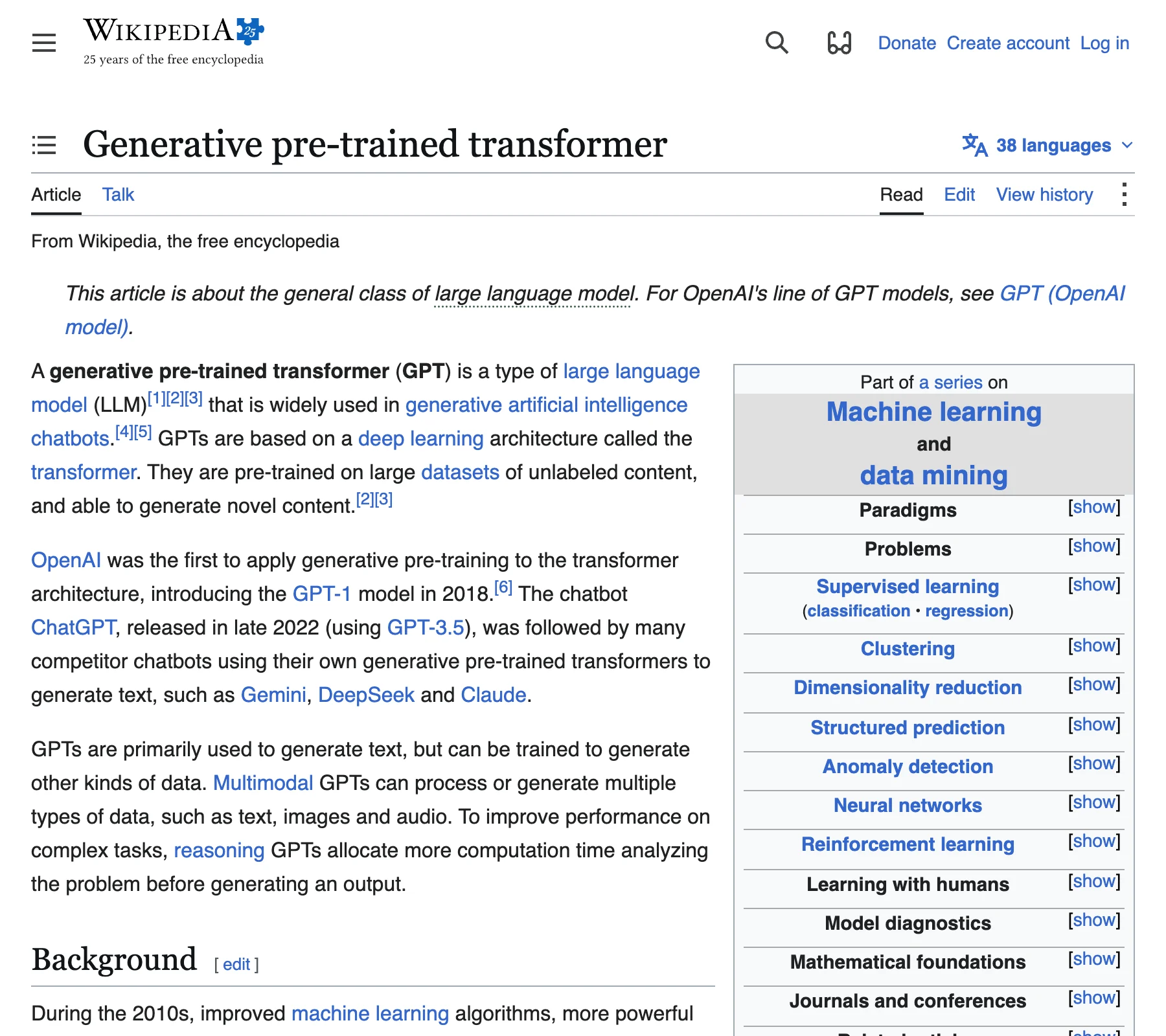
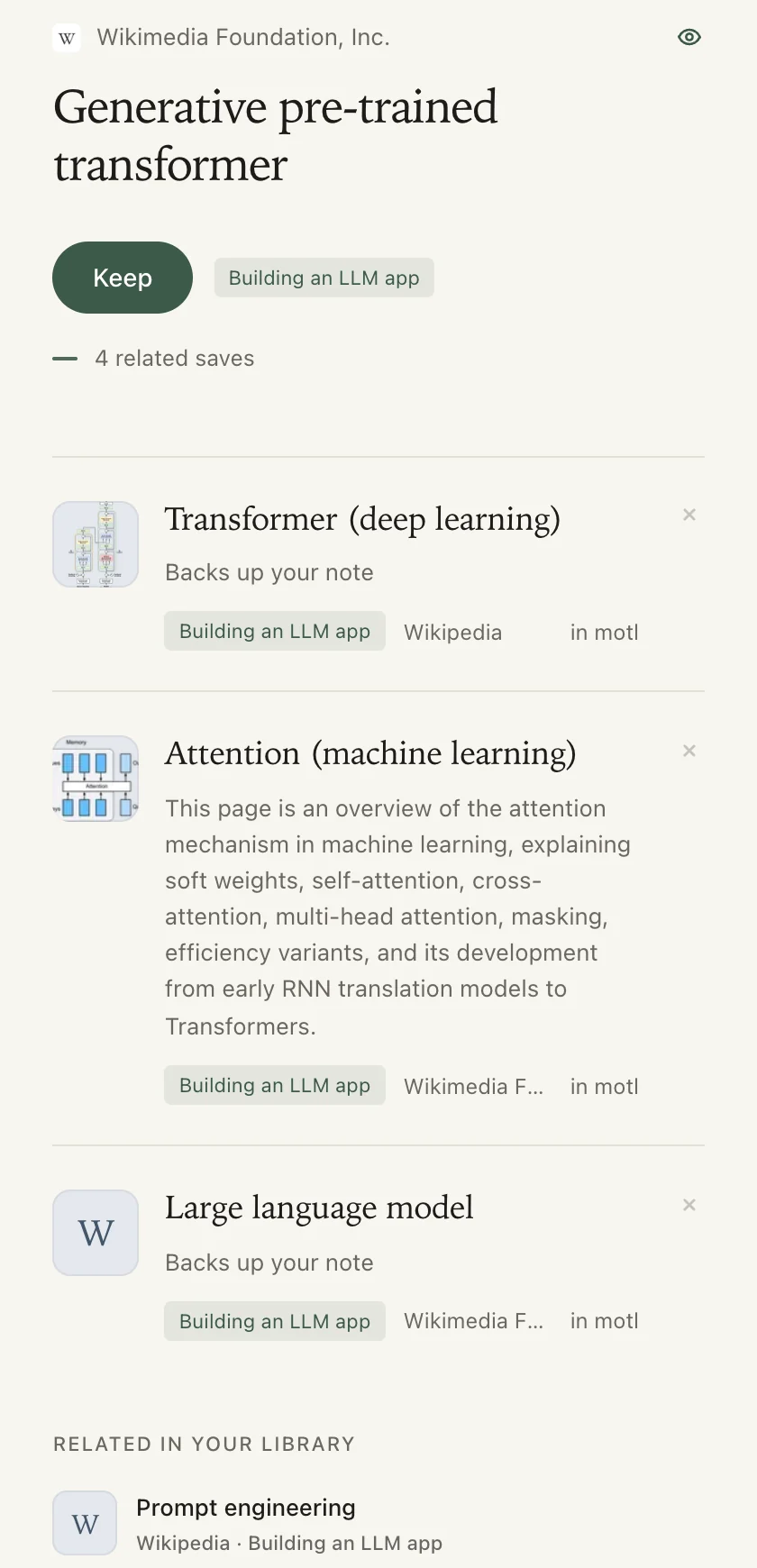
Decides in a blink
On each page, motl asks a few small questions at once: is it worth keeping, which project it belongs to, what you saved that it relates to, and whether it backs that up, disagrees, or is newer.
Each judgement takes a fraction of a second, and the whole decision lands in about a second, so it keeps up with you instead of waiting for you to decide.
 Bear Lake (Colorado)en.wikipedia.org
- Private page?No, read on
- Then, side by side:
- Worth keeping?Yes, keep it
- Which project?Colorado trip
- Related to a save?Rocky Mountain National Park
- Backs it up, disagrees, or newer?Backs it up
Decided in about a second
Brings it back when it counts
Saving is the easy half. motl is built for the other half: the moment a saved page matters again.
While you browse
When the page you are on connects to something you kept, that save appears in the side panel. Most of the time it stays quiet.
A morning note
A short email with a few saves worth another look, spaced out over days and weeks. Turn it off whenever you like.
Videos, by what was said
Keep a YouTube video and motl keeps its transcript too, so you can find it by something said in it.
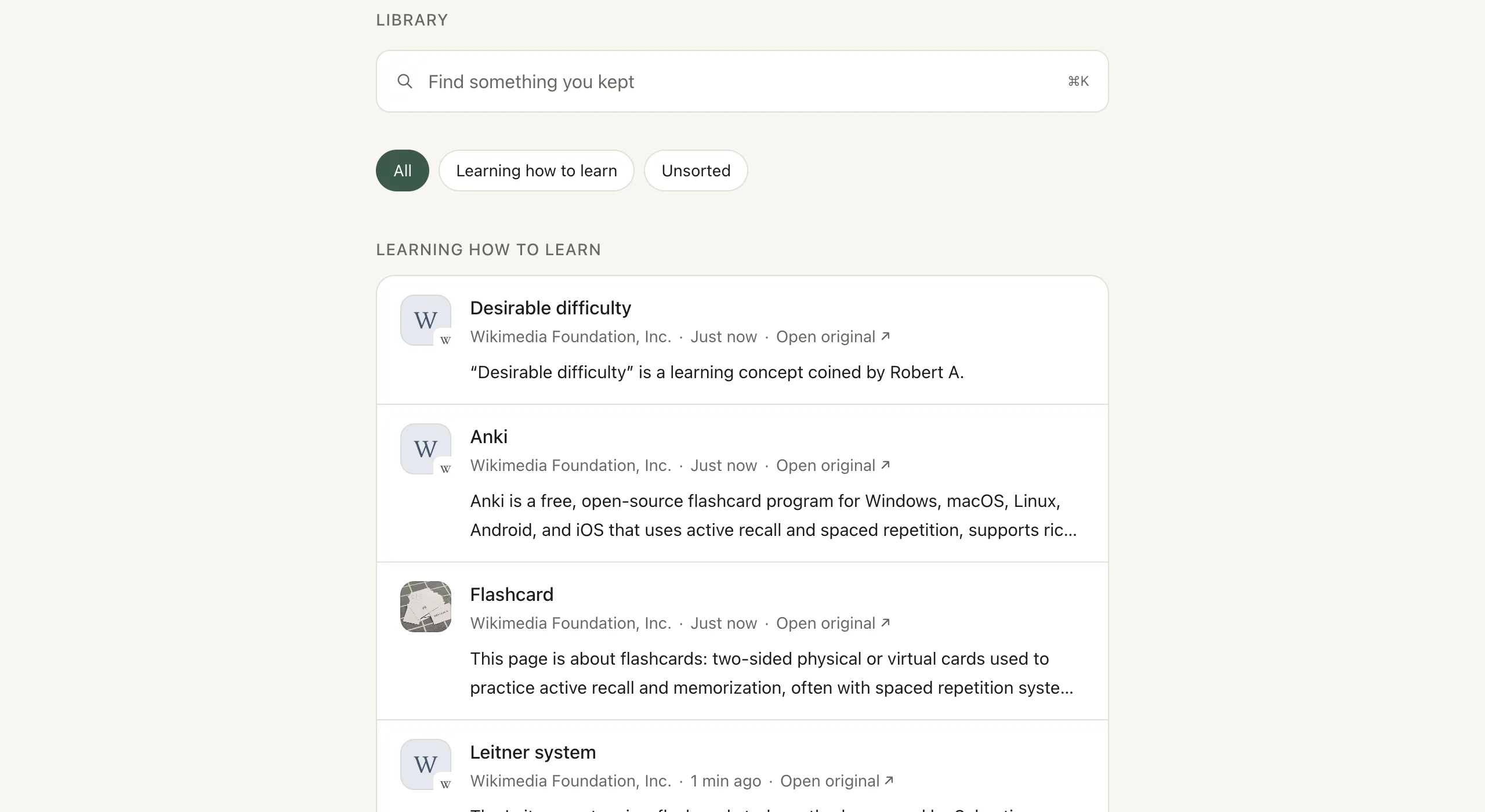
Search by meaning
Look for what a page was about, not the words you think were in its title.
Private by design
motl checks a page before it reads it, and it leaves some kinds of pages alone entirely.
- When a page opens, motl looks only at its address and title. If the page looks private, its text never leaves your browser.
- Banks and payment sites, email inboxes, sign-in pages, account and billing settings, and patient portals are recognised by address and never read.
- Nothing is read while you are signed out, and never your history, cookies, or what you type into forms.
- Your reading is not sold or used for ads.
- Undo any keep in one tap. To delete your whole account, email us for now; there is no button for it yet.
Read the way you already do
Create an account, connect the Chrome extension, and keep reading. motl does the keeping.